Invite Member

Switch Team
U
Switch Projects
Help Center

Find the guide that gets work unstuck.

Use this hub to learn Project brain in the order people actually work: set up the space, read the dashboard, organize tasks, capture meetings, and ask AI Brain when context gets deep.

All Guides

Open a feature guide

Getting Started preview
Beginner Setup

Getting Started

Get into Project brain with a clean first setup: access, workspace basics, and the first project flow.

  • Account and workspace access
  • First project setup
  • Team invitation basics
Guide info
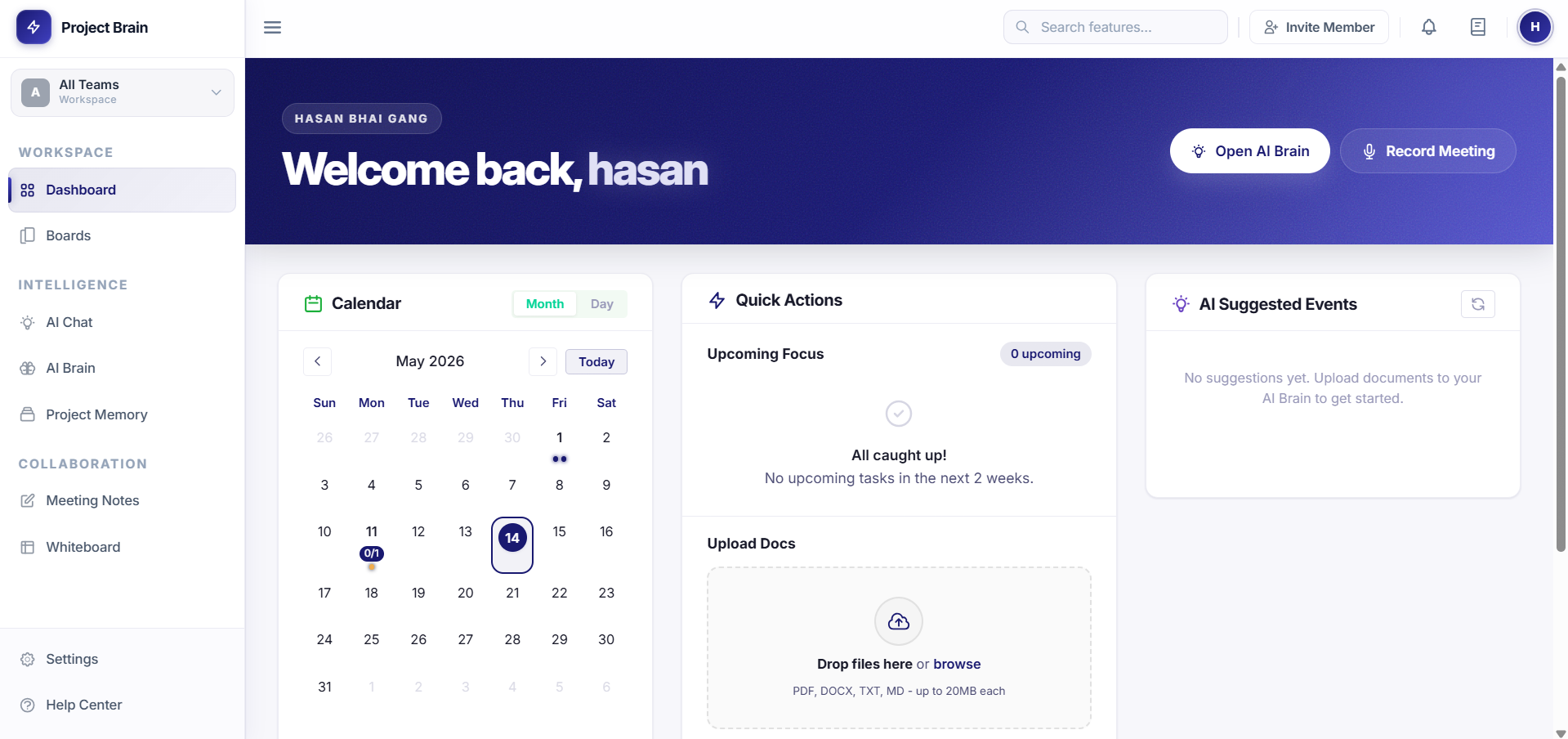
Dashboard preview
Daily use Overview

Dashboard

Understand the daily command view: project status, upcoming work, activity, and the fastest next action.

  • Project status overview
  • Activity and task widgets
  • Quick action workflow
Guide info
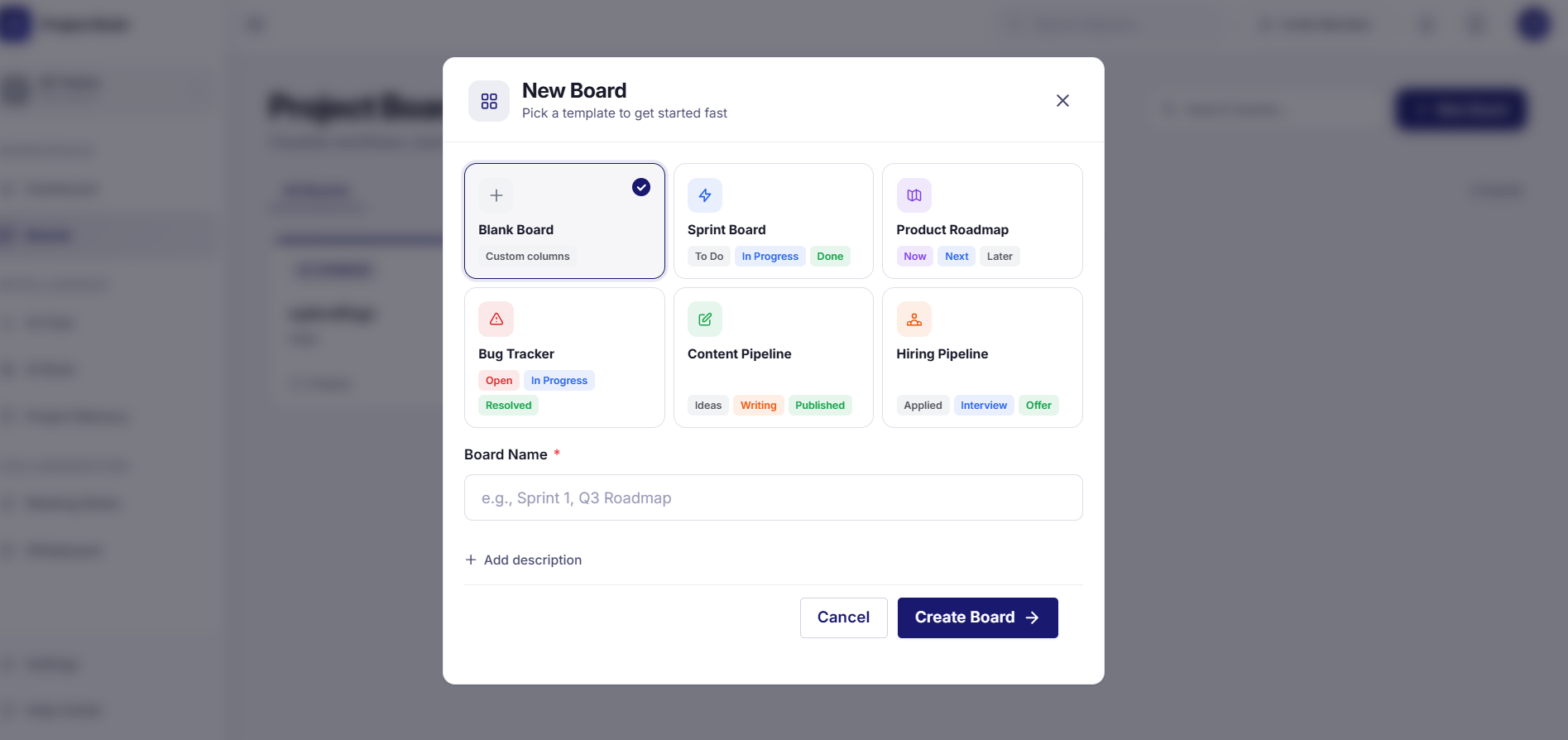
Boards preview
Project work Kanban

Boards

Turn loose work into a clear flow with boards, cards, owners, due dates, and repeatable team habits.

  • Board creation
  • Card and status management
  • Team ownership patterns
Guide info
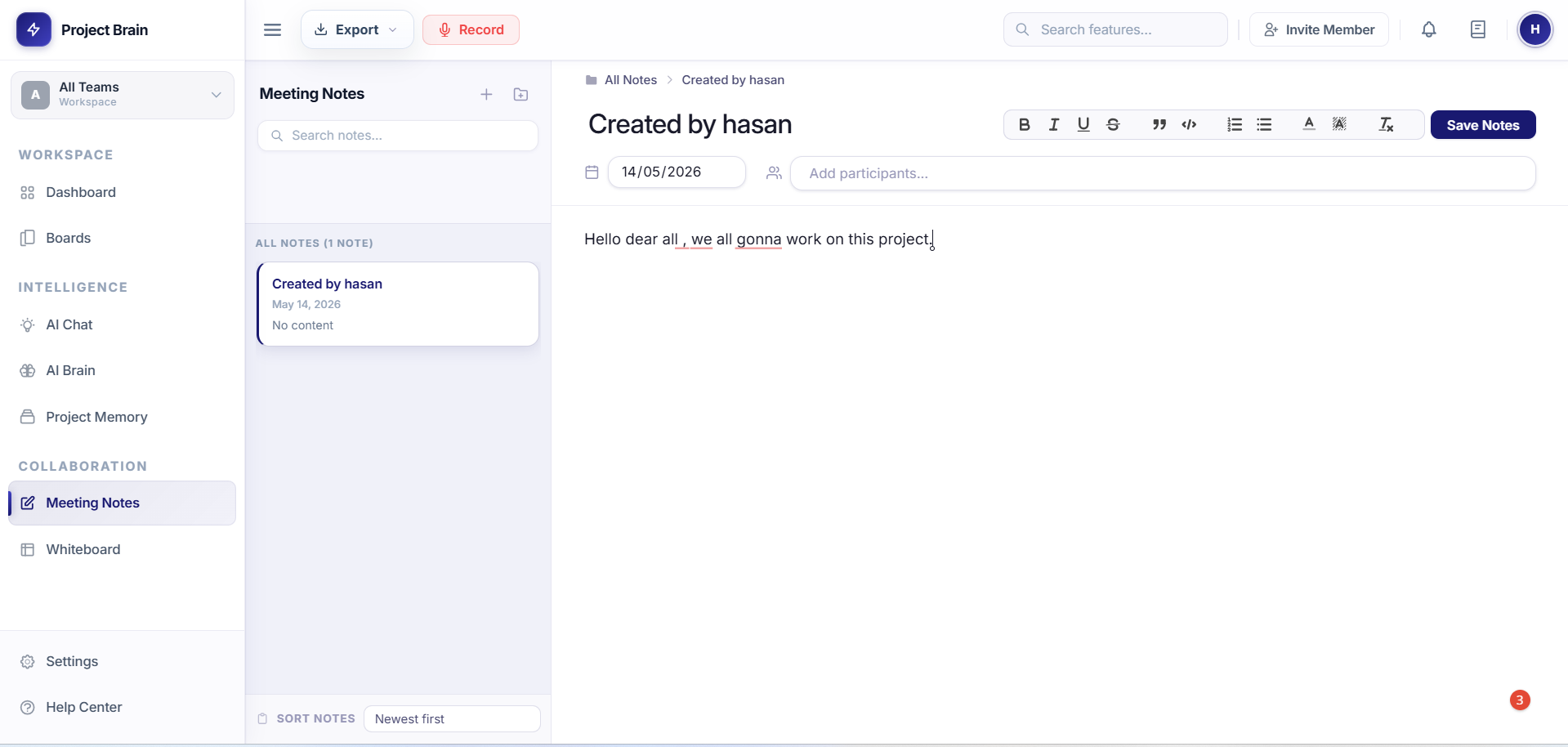
Meeting Notes preview
Collaboration Notes

Meeting Notes

Keep calls useful after they end by saving decisions, notes, recordings, summaries, and action items.

  • Notes and folders
  • Recording and summaries
  • Action item tracking
Guide info
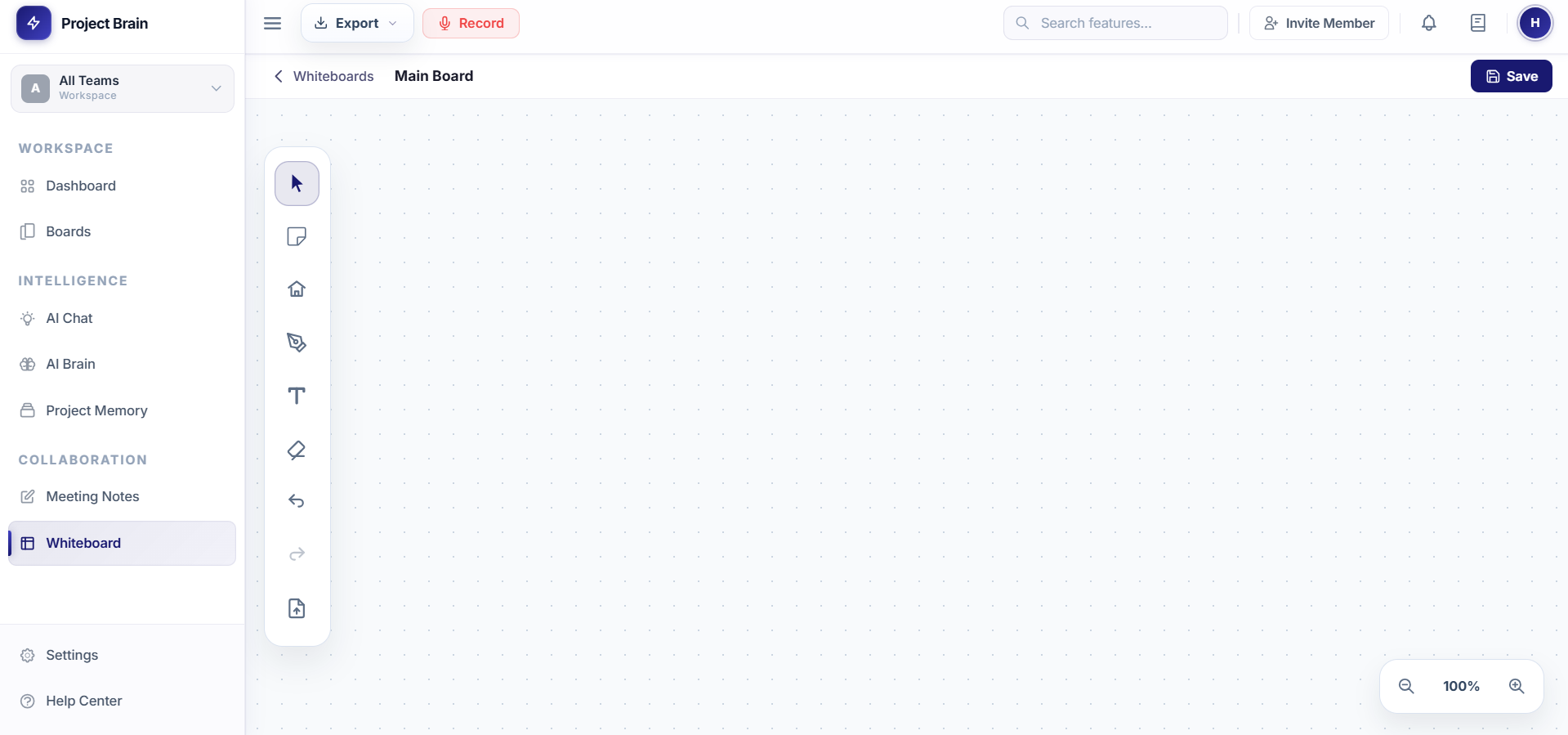
Whiteboard preview
Planning Canvas

Whiteboard

Map ideas visually with a shared canvas for planning, diagrams, brainstorming, and follow-up work.

  • Canvas orientation
  • Visual planning use cases
  • Meeting follow-up flow
Guide info
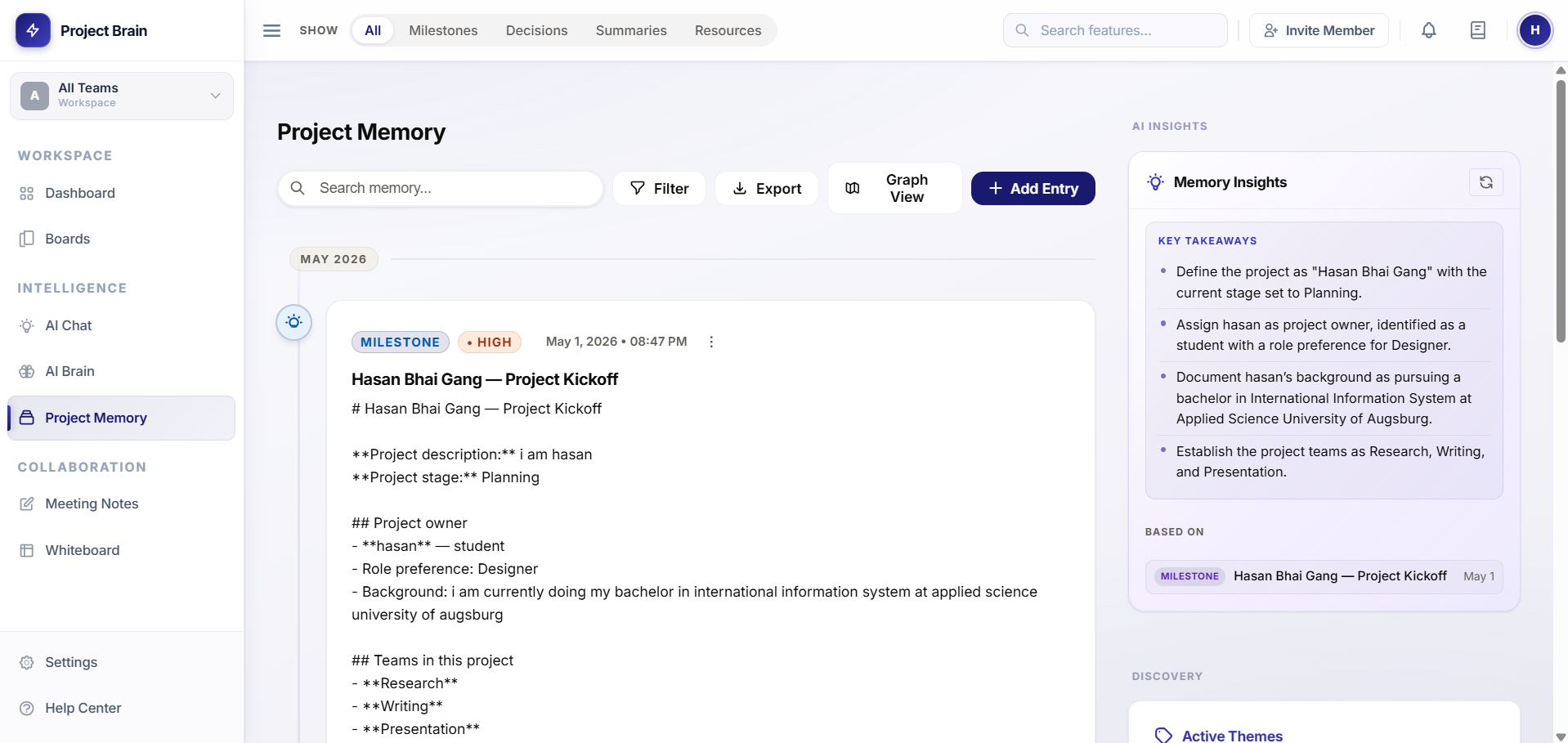
Project Memory preview
Knowledge Timeline

Project Memory

Build a project timeline that preserves decisions, updates, lessons, and the context teams usually lose.

  • Timeline entries
  • Decision history
  • Knowledge base habits
Guide info
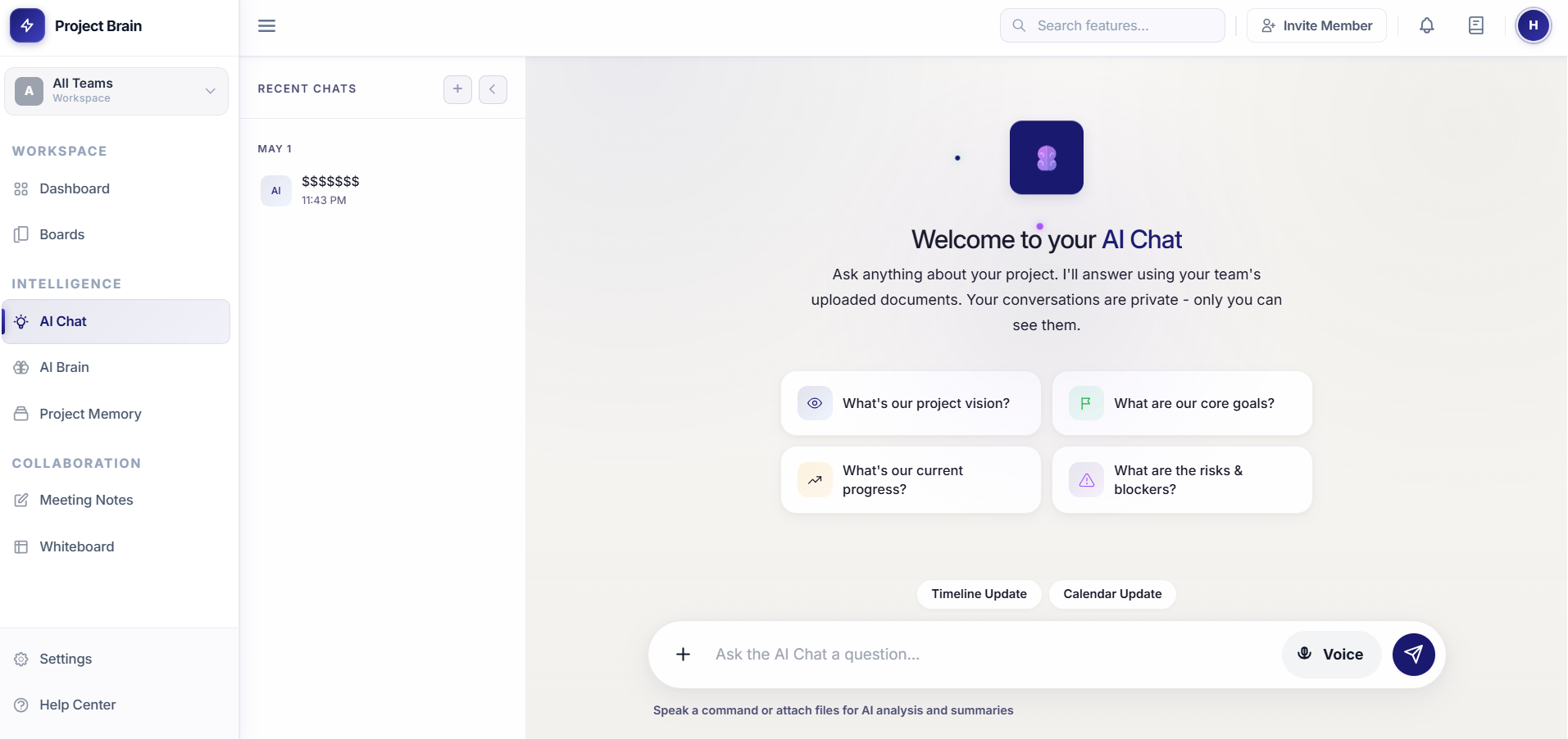
AI Brain preview
AI Search

AI Brain

Ask project questions and get grounded answers from documents, meetings, memory, and workspace context.

  • Context-aware chat
  • Document search
  • Integration guidance
Guide info