Back
Dashboard
Get a quick overview of your projects and tasks
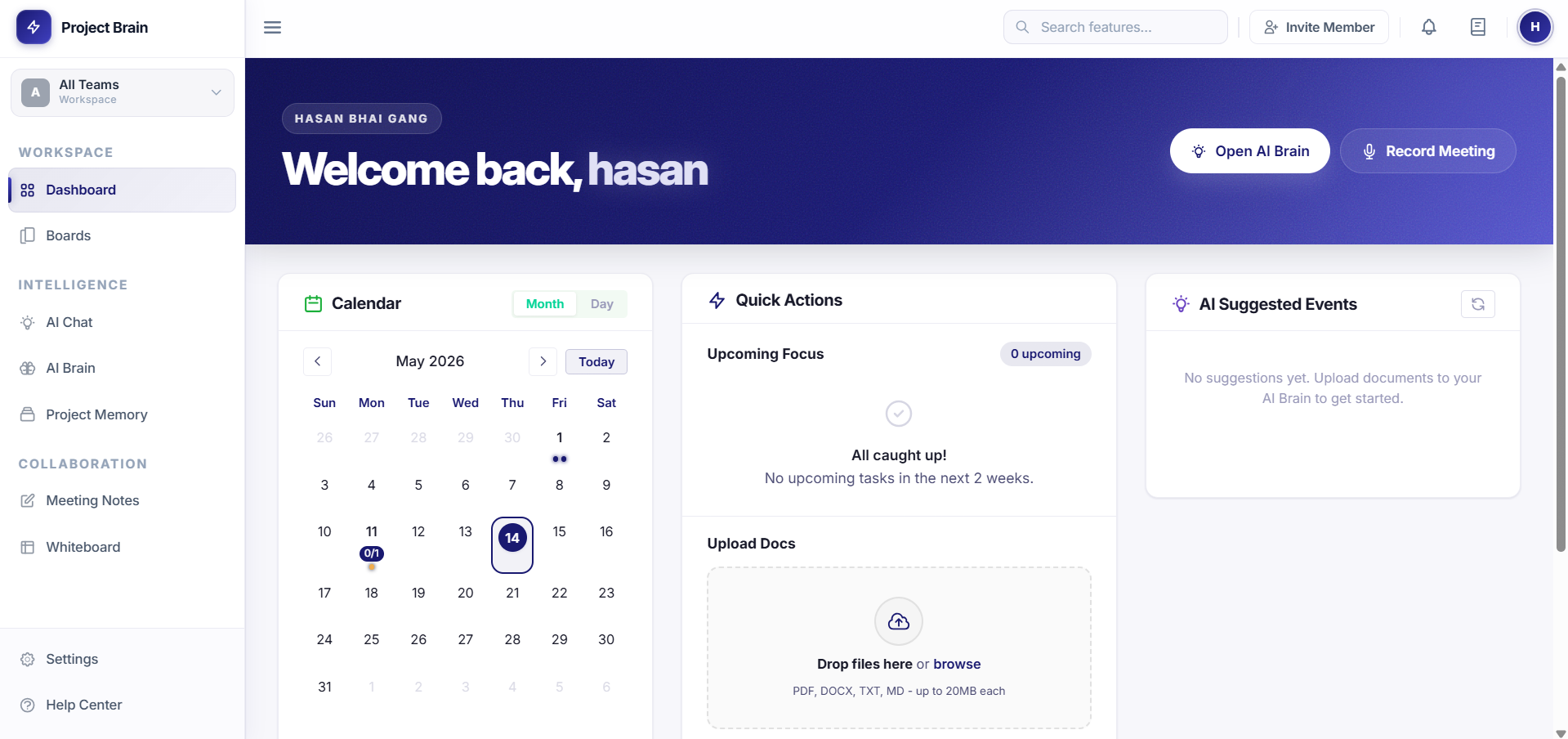
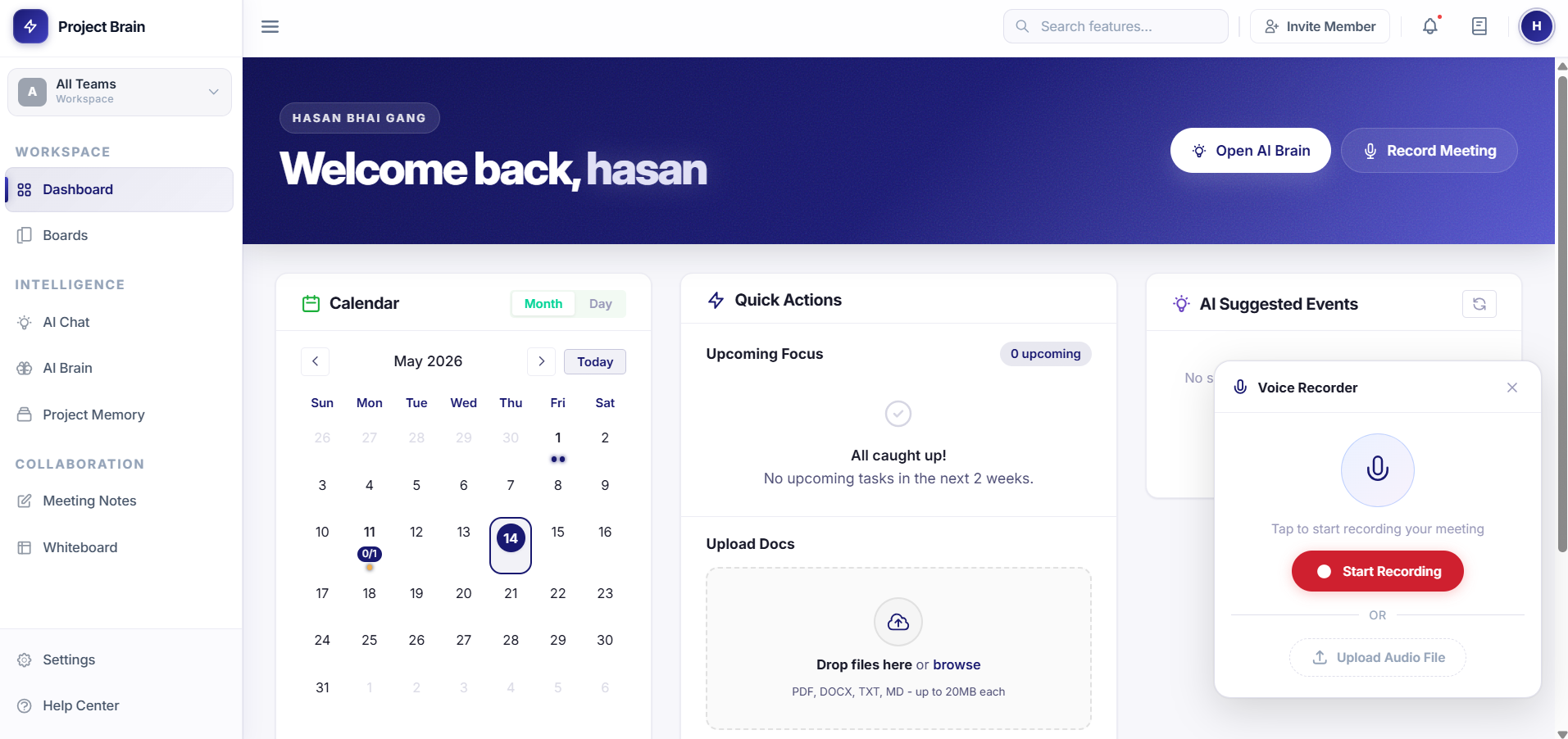
Centralized Overview: The dashboard gives you an at-a-glance view of all your projects, upcoming tasks, and team activity in one place.
Workflow
How the Dashboard turns signals into action
1
Open project
Start from the active workspace and project.
2
Scan overview
Read project health, activity, and focus areas.
3
Check calendar
Review upcoming dates, deadlines, and events.
4
Review tasks
Find assigned work and items that need attention.
5
Use quick actions
Jump into notes, boards, uploads, or AI Brain.
6
Follow up
Turn the dashboard signal into the next move.
What is the Dashboard?
Your personal command center where you can see everything that matters at a glance:
- All active projects
- Upcoming tasks and deadlines
- Team member updates
- Project memory timeline
Main Dashboard Widgets
Project Cards
See all your projects at a glance with quick stats and recent activity.
My Tasks
View tasks assigned to you, sorted by due date. Click to view details or update status.
Recent Activity
Stay updated with what's happening in your projects and boards.
Using the Dashboard
Personalize Your View
- Click the settings icon in the top right
- Choose which widgets to display
- Drag to reorder widgets
- Save your preferences
Quick Tips
- Regular check-ins: Start your day with a dashboard review
- Follow up on tasks: Use the dashboard to stay on top of deadlines
- Project overview: Quickly identify projects that need attention