Back
AI Brain
Leverage AI to chat, analyze, and extract insights from your project data
ℹ️ AI-Powered Knowledge Base: The AI Brain uses your project's documents, timeline entries, and meeting notes to provide intelligent, context-aware responses.
Workflow
How AI Brain turns context into answers
1
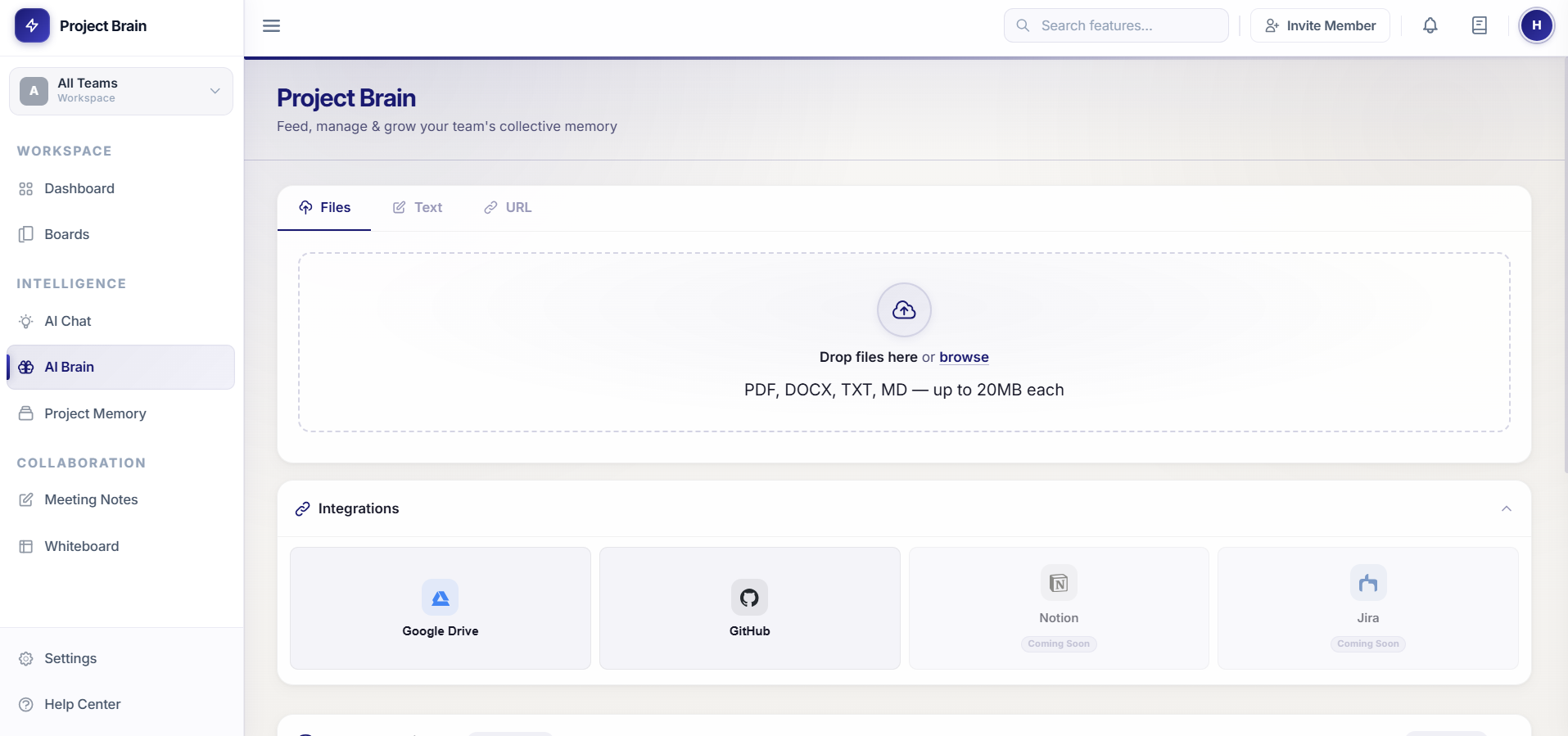
Add context
Upload docs or capture meetings and memory.
2
Index knowledge
The workspace content becomes searchable context.
3
Ask question
Type a project question in normal language.
4
Retrieve sources
AI finds matching notes, documents, and timeline items.
5
Review answer
Read the grounded response and generated cards.
6
Act on insight
Jump into tasks, memory, meetings, or follow-up work.
What is the AI Brain?
The AI Brain is an intelligent assistant powered by advanced language models and your project's accumulated knowledge. It helps you:
- Ask questions about your project and get instant answers backed by real data
- Summarize complex information from multiple sources
- Get AI-suggested next steps and recommendations
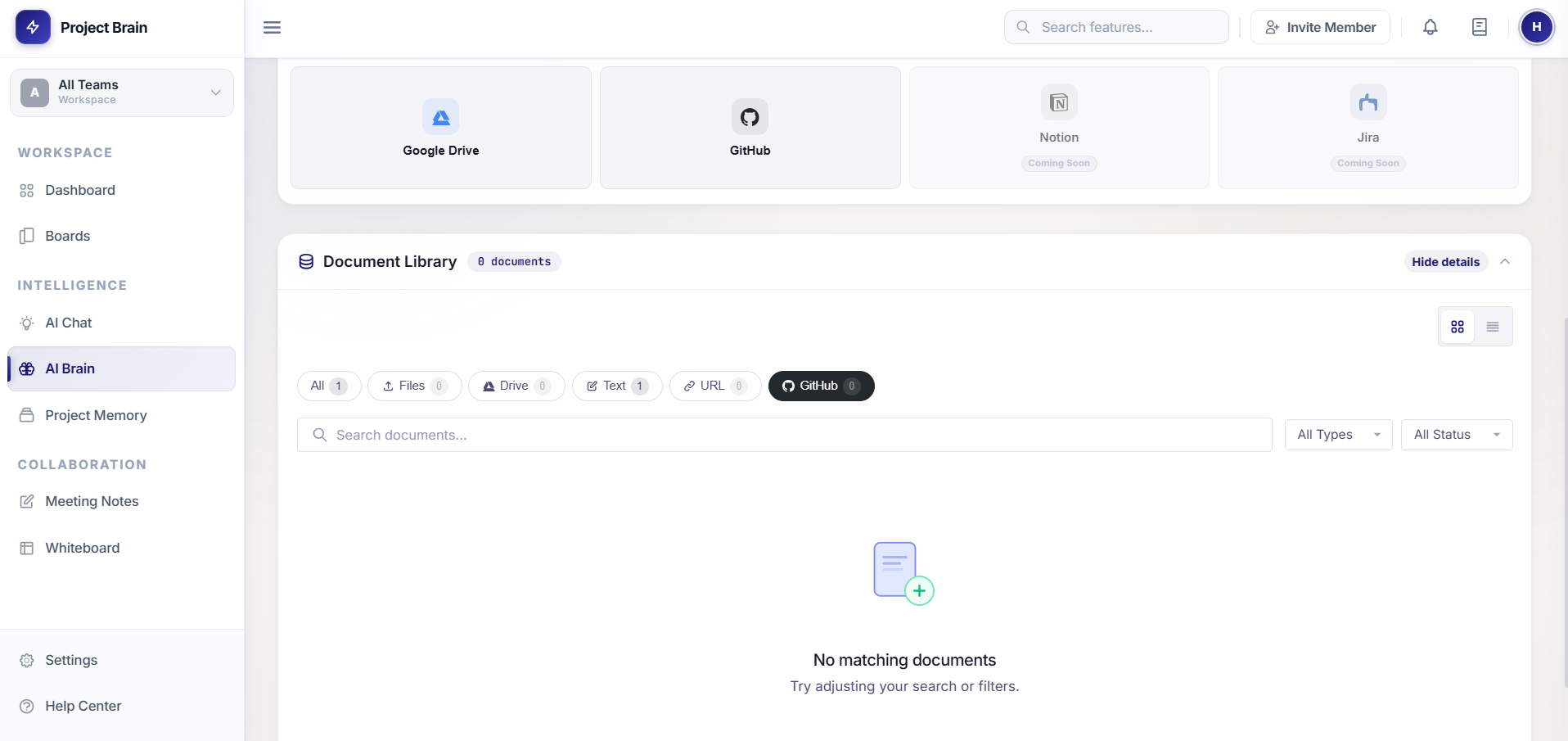
- Search through your project memory efficiently
How to Use It
Starting a Chat
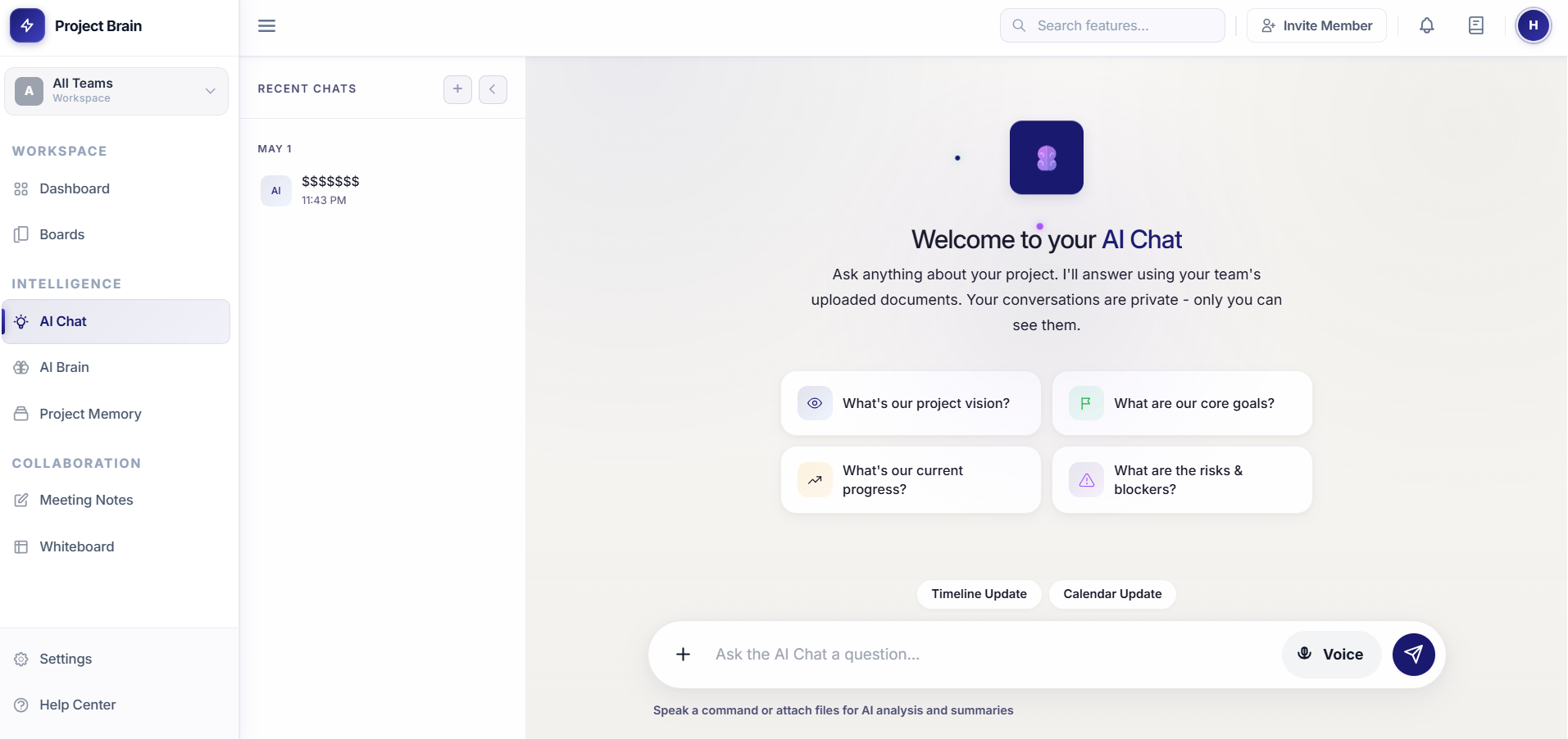
- Click on AI Chat in the left sidebar
- Type your question or request in the chat box at the bottom
- Press Enter or click Send to submit
- Wait for the AI to analyze your project data and respond
Asking Effective Questions
For best results, try asking questions like:
- "What are the current blockers on this project?"
- "Summarize the decisions we made last week"
- "What tasks are overdue?"
- "What was discussed about feature X in recent meetings?"
- "What are the next steps we agreed on?"
Key Features
Context-Aware Responses
The AI Brain automatically includes relevant information from:
- Timeline entries and project memory updates
- Meeting notes and decisions
- Calendar tasks and deadlines
- Uploaded documents and resources
Interactive Cards
AI responses may include interactive cards showing:
- Timeline Cards: Recent project updates and milestones
- Calendar Cards: Upcoming tasks and deadlines
- Workspace Cards: Quick actions and suggestions
Tips & Best Practices
- Be specific: More detailed questions yield better answers
- Update your project memory: The more information you store, the smarter the AI becomes
- Reference recent meetings: Include meeting notes to give context
- Use follow-up questions: You can ask clarifying questions to dig deeper
- Cross-reference data: The AI can connect insights across timeline, tasks, and meetings