Visual Planning: Use Whiteboard when a conversation needs a sketch, workflow, or shared planning canvas.
Workflow
From rough idea to useful project plan
1
Open canvas
Start from the project whiteboard workspace.
2
Sketch ideas
Draw flows, notes, or planning shapes.
3
Connect items
Group related concepts and map dependencies.
4
Capture decisions
Move important conclusions into notes or memory.
5
Create follow-up
Turn the plan into tasks, owners, and next steps.
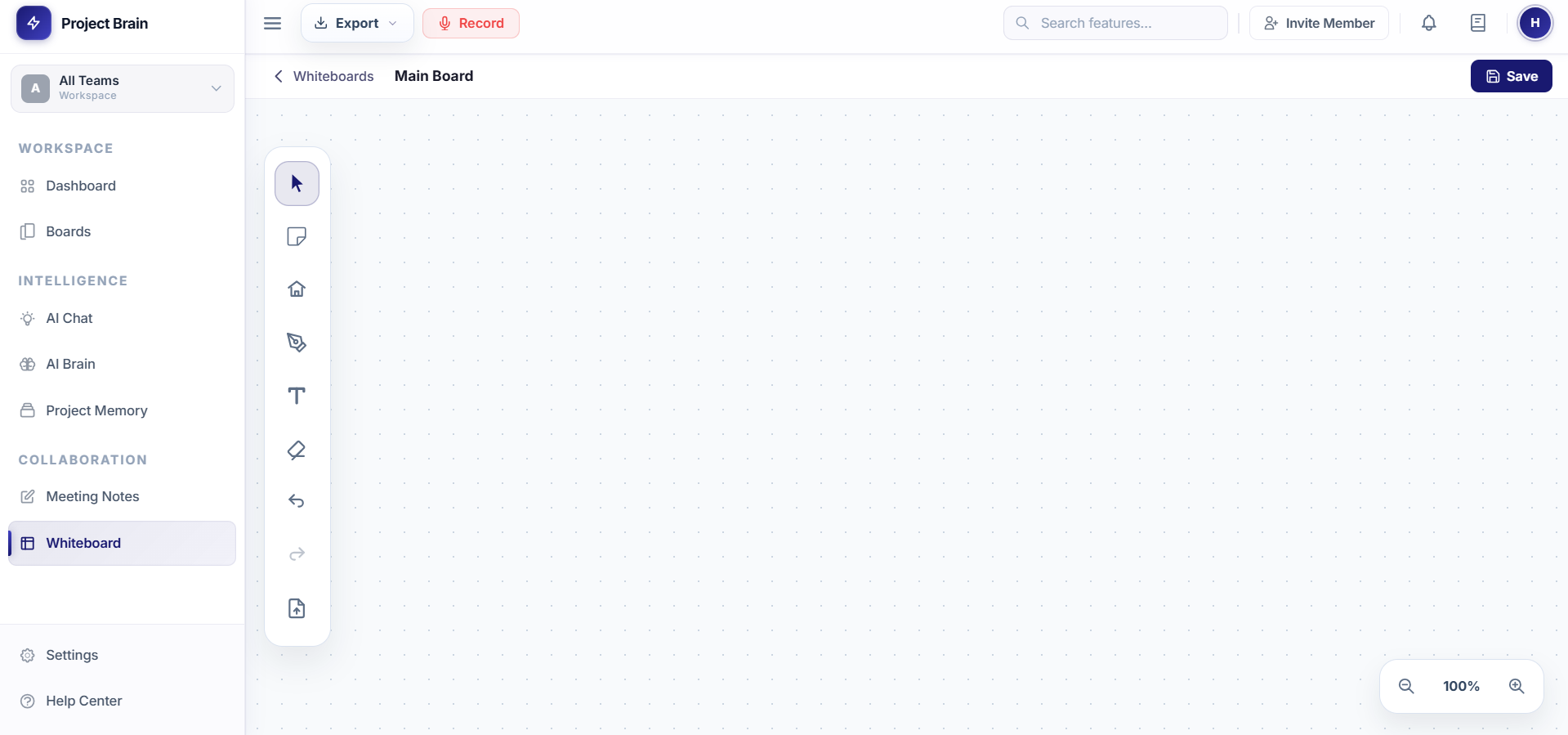
What is Whiteboard?
Whiteboard is a visual workspace for brainstorming, diagrams, and planning sessions. It sits alongside your project tools so ideas can stay connected to meetings, tasks, and decisions.
- Sketch workflows and architecture ideas
- Plan meeting topics visually
- Map decisions, blockers, and next steps
- Keep visual context close to the project workspace
Using Whiteboard
- Open Whiteboard from the sidebar
- Use the canvas to sketch ideas or map a workflow
- Connect the visual plan with meeting notes and action items
- Return to the board when reviewing project decisions